Best USB-C Chargers and Charging Stations for Christmas Gifts
Published 2026-10-16
Shopping for someone who uses USB-C earphones, a phone or a tablet? These USB-C chargers and charging stations make practical Christmas gifts, and this guide helps you pick the right one.
The tricky part is that chargers are covered in numbers that don't mean much at first glance. So below I've listed the types of USB-C chargers and charging stations that make good Christmas gifts, plus what to check on each one. This guide doesn't name specific models or prices, because those change all the time. Check the seller's page for current details before you buy.
Short on time? Our top picks: Anker, Belkin, UGREEN and Apple chargers and cables. See all picks
Before you shop for USB-C chargers: check devices like USB-C earphones
This takes two minutes and saves you a return trip. Next time you're with the person, glance at what they charge. Is their phone USB-C or something else? Do they carry a laptop that charges over USB-C? Do they wear a smartwatch, or use USB-C headphones or wireless earbuds?
Some watches need their own special charging puck, and a generic wireless pad won't work for them. Some older phones still use a different port. If you're not sure, a casual "hey, can I borrow your charger?" usually tells you everything.
1. A compact USB-C wall charger
This is the simplest gift on the list, and honestly one of the most useful. A lot of phones don't come with a wall plug anymore, so people end up using an old, slow one or borrowing someone else's. A small, quick USB-C charger, such as one from Anker, fixes that.
Look at the wattage printed on the box or the seller's page. A phone needs far less power than a laptop, so a small charger is fine for phones and wireless earbuds. If the person has a USB-C laptop, check the laptop's own charger or manual to see how much power it expects, then pick a wall charger that matches or goes higher.
It's best to skip the tiniest no-name chargers with no safety details listed. Something you plug into a wall overnight should come from a seller who tells you about safety testing and certifications.
Practical tip: If you can, pick one with folding prongs. It slips into a bag without scratching everything else in there.
2. A multi-port desktop charging station
This one suits anyone with a home office or a messy desk. It's a single box with several ports, often a mix of USB-C and USB-A, that plugs into one outlet. Phone, tablet, USB-C earphones and laptop can all charge from the same spot.
Here's the number that trips people up. The big wattage on the front is usually the total, and it gets shared between ports. So a charger might be able to send lots of power to one device, but when four things are plugged in, each one gets less. Good sellers explain how the power splits. If they don't, I'd be a bit wary.
Also check how many of each port type there are. Someone with a USB-C monitor, a phone and a tablet won't love a charger with one USB-C port and three of the older rectangular ones.
Practical tip: Count their devices, from a USB microphone to a USB headset, then add one. People always seem to buy another gadget within a year.
3. A nightstand charging dock
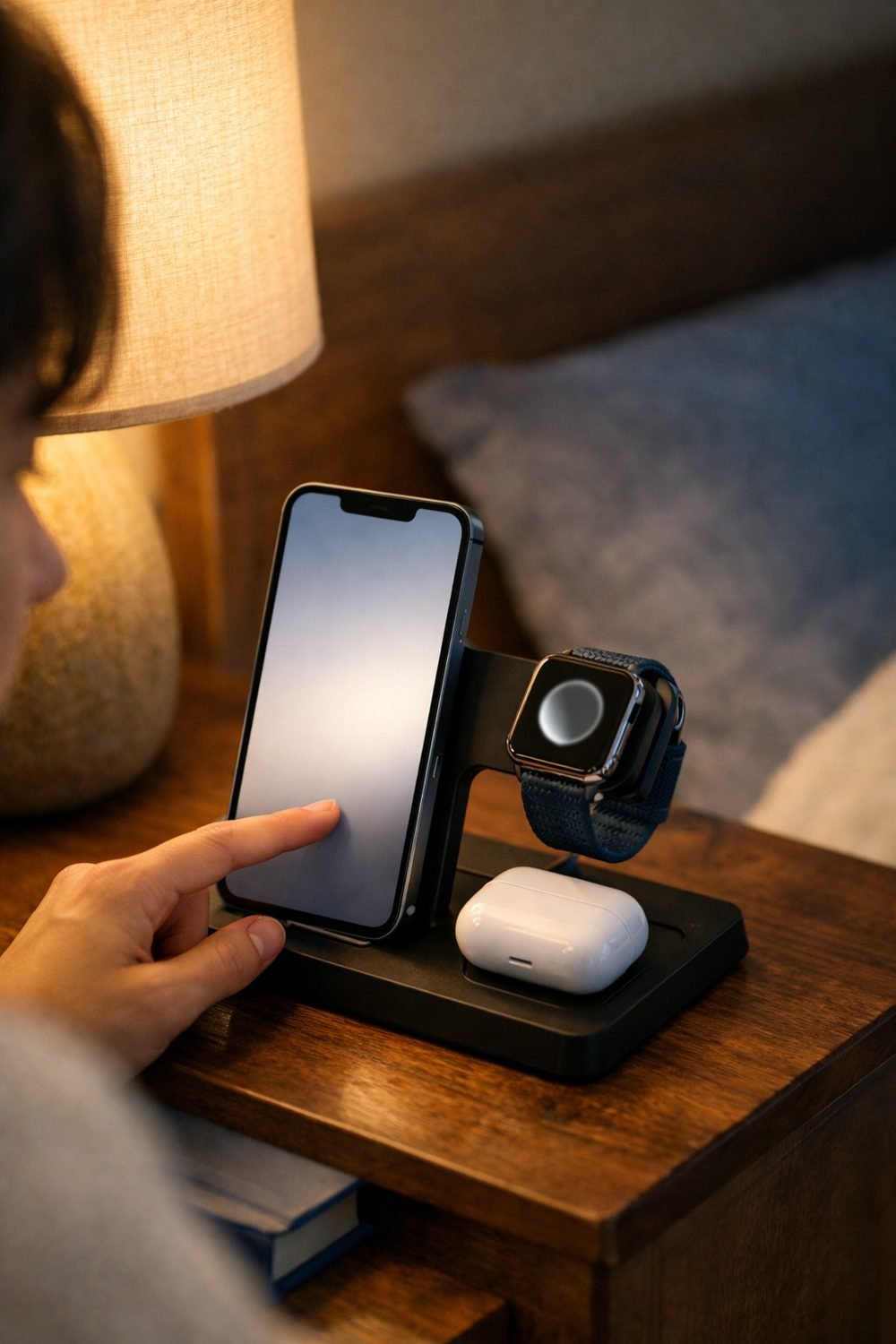
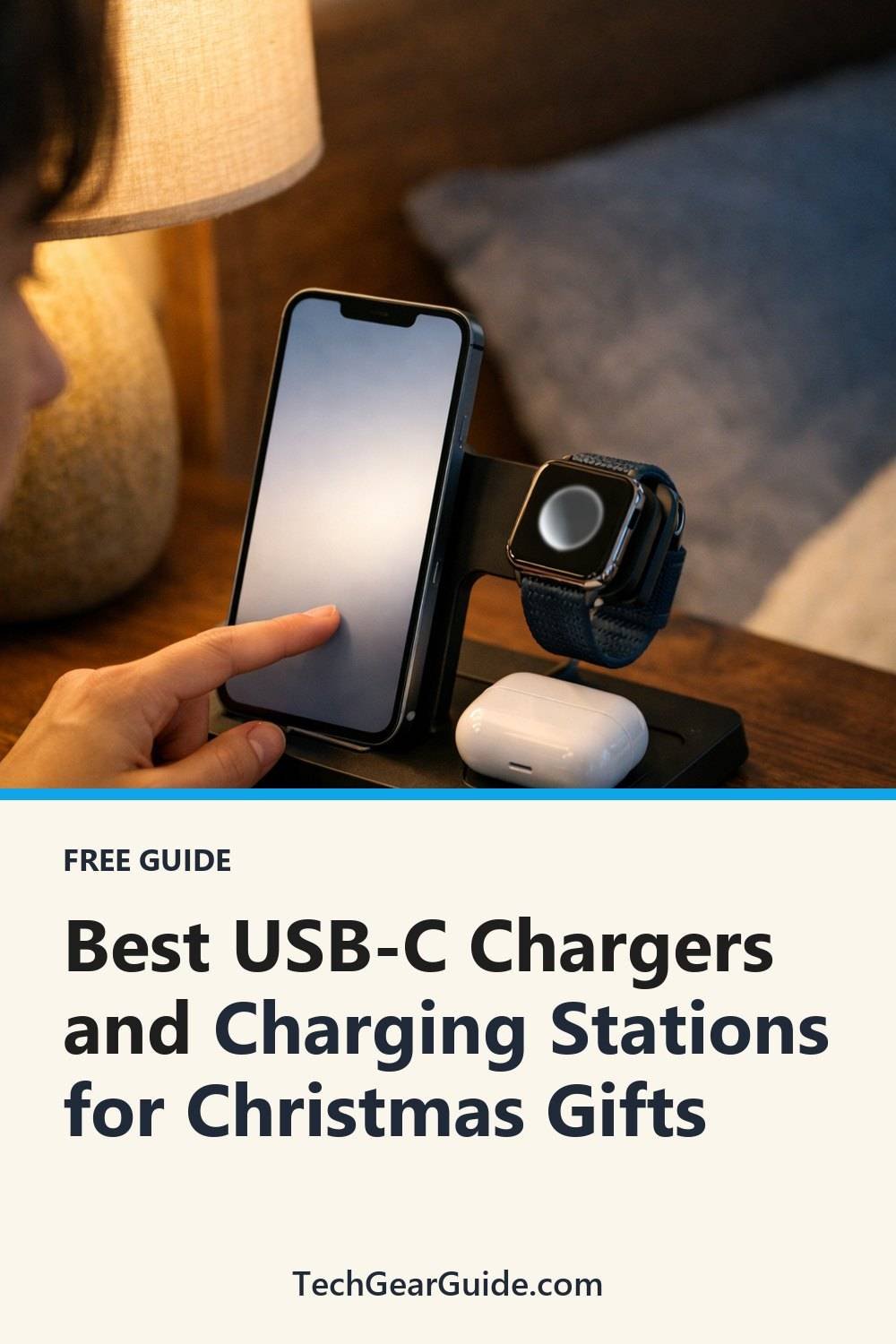
A dock gives devices a proper home. Instead of three cables snaking across the bedside table, the phone, watch and earbuds sit on one stand. It looks tidy, and it's the kind of thing people don't buy for themselves but end up loving.
Most docks use wireless charging pads, so check that their phone supports wireless charging. Then look closely at the watch spot. Some docks only work with certain watch brands, and a few don't include the watch charger at all, so you'd need to use the one they already have.
A small thing I've noticed: some docks have bright status lights. That's fine on a desk, but annoying by the bed. Reviews often mention this, so it's worth a quick search.
Practical tip: Check whether the dock comes with its own wall plug. Some include only a cable, and the person will need a powerful enough charger to run it.
4. A travel charger for frequent flyers
If you know someone who's always heading to an airport, a travel charger is a thoughtful pick. The good ones are small, have a couple of USB-C ports, and work with different wall sockets around the world, either with swappable plug heads or slide-out prongs.
Check which countries' plugs it actually supports. "Universal" on the box doesn't always mean every single country. The seller's page should list the plug types. If the person travels to one region a lot, make sure that one's covered.
Weight matters more than you'd think here. A charger that feels fine on a desk can feel like a brick at the bottom of a backpack after a long day.
Practical tip: Look for one with at least two USB-C ports so they can charge a phone and laptop overnight in a hotel with only one free outlet.
5. A good USB-C cable (the underrated stocking stuffer)
Here's my honest opinion: a great charger with a bad cable is a waste. The cable has its own power rating, and a cheap thin one can limit how much power gets through. Laptop charging, including a Surface Pro charger setup, often needs a cable rated for higher power.
Look for the rated wattage on the packaging or listing. Then think about length. A short cable is great on a desk. A longer one is better by the bed or on the couch, where the outlet is always just out of reach.
Braided cables tend to hold up better to being bent and stuffed in bags, so they're a good pick if you travel a lot. They're not magic, but they don't fray as quickly at the ends.
Practical tip: Add a cable to any charger gift, perhaps from Belkin or UGREEN. Many charging stations ship without one, and nobody wants to open a present they can't use on Christmas morning.
By the way, if you're shopping for a guy who's hard to buy for, our free Gift Ideas for Him Checklist has 10 ideas sorted by interest, and you can grab it in the sign-up box on this page.
6. A charger and cable organizer bundle
This is more of a wrapping idea than a product. Put a small USB-C charger, a cable and a little cable organizer (a pouch, a few velcro ties, or a small case) together in one box. Suddenly a plain charger feels like a planned, personal gift.
It works especially well for students, people who just moved, or anyone who complains about tangled cords. A pouch like this can easily get more compliments than the charger itself.
Practical tip: Keep the receipt or gift receipt for everything in the bundle, in case the charger doesn't match their devices.
How to read the numbers without a headache
You don't need to be a tech person. Just check three things on the seller's page:
- Total output: the most power the whole charger can give at once.
- Per-port output: how much one port can give. This matters most for laptops.
- Safety info: recognized safety certifications listed clearly by the seller.
Then read a handful of reviews. Look for comments about heat, buzzing noises, and whether it still works after a few months. Those tell you more than star ratings do.
Mistakes I'd avoid
The most common one is buying for the wrong port. It happens all the time, so double-check their phone.
The second is trusting the big wattage number without seeing how it's shared. And the third is going for the cheapest unknown charger with no safety details. You don't need to spend a lot, but compare two or three similar options from different sellers before deciding.
Brands worth a look
If you want a starting point, these are well-known brands that make USB-C chargers, docks and cables. Compare a few options on the seller's page before you pick one.
Anker
A familiar name for wall chargers, desktop charging stations and cables, so it suits most gift lists. Check the per-port output and how power is shared when several ports are in use.
Belkin
Makes chargers, cables and charging docks, including options aimed at phone and watch setups. Check that the dock supports the exact phone and watch the person owns.
UGREEN
Offers a wide range of wall chargers, multi-port stations and cables. It suits anyone building a desk setup. Check the port mix so it matches their USB-C and USB-A devices.
Apple chargers and cables
A sensible choice for someone who owns an iPhone, iPad or MacBook and wants a charger made by the same company. Check which connector their device uses and what wattage the laptop expects.
Samsung chargers
A natural fit for people who use Galaxy phones or tablets. Check the charger's listed wattage against what the specific device supports.
Satechi
Known for desk-friendly chargers, hubs and docks that suit a tidy workspace. Check the ports and the listed power split before buying.
Nomad
Makes cables, wall chargers and wireless charging stands. It suits people who like a more design-led look. Check which devices each stand can charge at once.
Check current plans and prices on each brand's own site before you buy.
FAQ
Can a high-wattage charger damage a phone?
Generally, USB-C devices only draw the power they're designed to take, so a bigger charger isn't usually a problem. That said, check the phone maker's guidance and the charger's listing if you're unsure. Sticking with chargers that list safety certifications is the safer choice.
Will a USB-C charger work with a laptop?
Only if the laptop charges over USB-C and the charger gives enough power. Check the laptop's original charger or manual for the wattage it uses. A cable rated for that power matters too.
Do wireless charging docks work with every phone?
No. The phone has to support wireless charging, and thick cases can sometimes get in the way. The seller's page usually lists which phones it works with.
Is it worth buying a charger with lots of ports?
Only if the person actually has lots of devices. More ports usually means the power gets split more ways. For someone with just a phone, a simple small charger is often the better gift.
Your next step
Pick the one type above that fits the person best, take a quick look at their devices, and check the seller's page for current specs and prices. If you're still stuck on ideas for other people on your list, grab the free Gift Ideas for Him Checklist in the sign-up box. It's a quick read and might save you a few hours of scrolling this December.
Some links on this site may earn us a commission. Read our disclosure.