Choosing a Laptop Bag or Sleeve When You Buy a Laptop on Sale

Whether you are comparing the best buy laptops on sale or you already own one, a good bag or sleeve protects your purchase. This guide covers how to measure your laptop, what to check in the padding, zippers and seams, and how to choose between a sleeve, bag or backpack.
This is an easy mistake to make. It's easy to buy a cheap sleeve because it looks nice, only to find the laptop rattling around with a lot of extra space at the end. A month later, the corner of my laptop had a small dent from a short drop onto a tile floor. The sleeve had a soft outside, but nothing much at the edges where it counted.
So here's the short version: fit and padding matter more than looks. A bag or sleeve only does its job if it holds your laptop snugly and protects the parts that hit the ground first. Below, I'll walk you through how I pick one now, step by step, with the small checks I wish I'd made the first time.
Short on time? Our top picks: Incase, Tomtoc, Targus and Timbuk2. See all picks
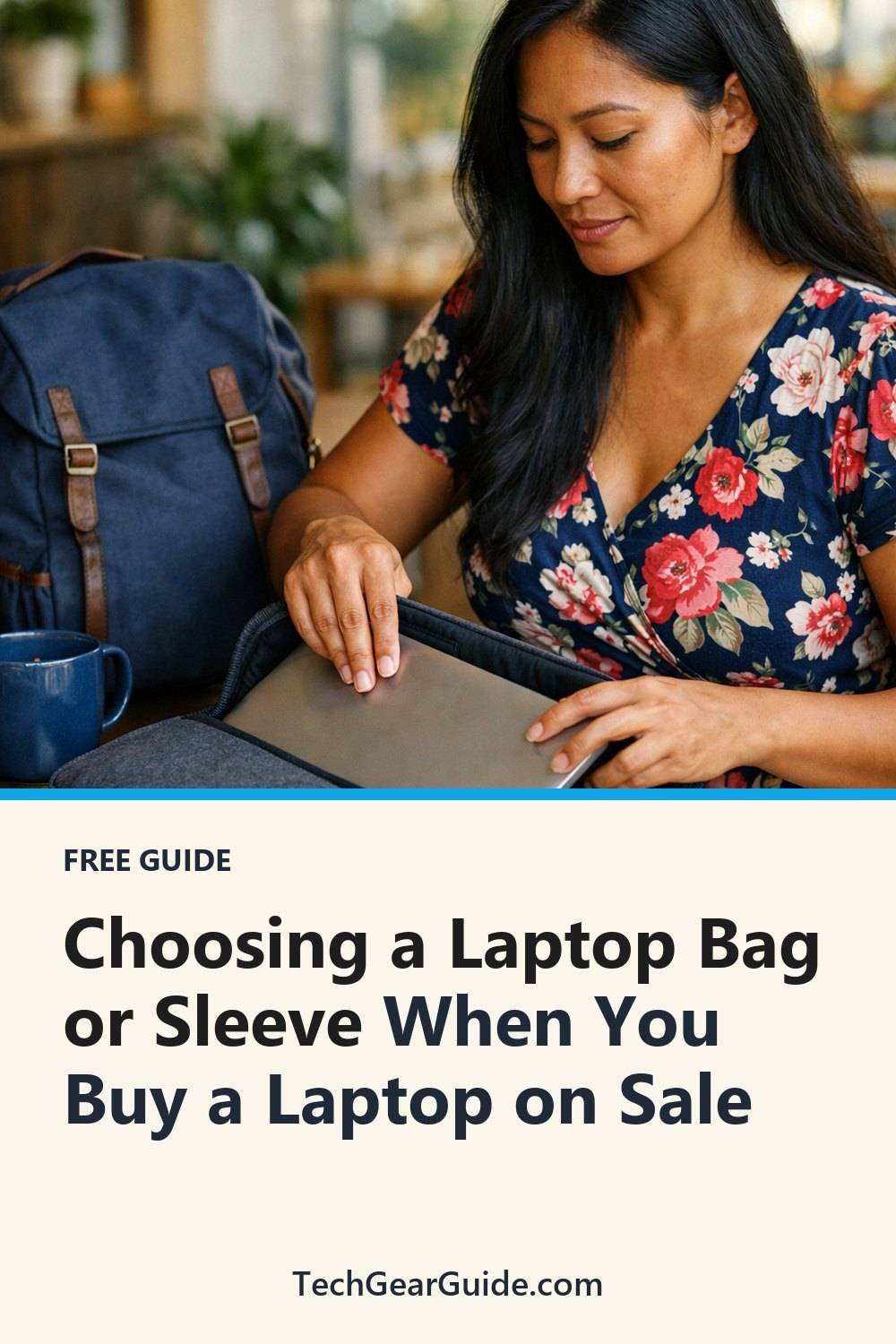
Measure your laptop first, whatever you paid
This sounds obvious, but most people skip it. They know their laptop is "a 15-inch" and buy a "15-inch" sleeve. The problem is that the screen size is measured diagonally across the display, not across the whole body. Two laptops with the same screen size can have very different outside dimensions, especially if one has thick bezels around the screen and the other doesn't.
Grab a tape measure or a ruler and write down three numbers:
- Length, the longest side, from left to right
- Width, front to back, with the lid closed
- Thickness, at the thickest point, often near the hinge
If you have a case or a snap-on shell on your laptop, measure with it on. That shell adds a few millimeters on every side, and it can be the difference between a sleeve that zips easily and one you have to fight with every morning.
You can also check the manufacturer's spec page for your exact model. It helps to do both. Sometimes the official numbers are rounded, and your own tape measure gives you a better sense of how much room you really need.
Check the stated size range before you buy
Once you have your numbers, compare them to what the seller lists. Good listings give the inside dimensions of the sleeve or laptop pocket, not just a screen-size label. If a listing only says "fits up to 14 inches" and nothing else, I get a little cautious.
Look for wording like "fits laptops up to X by Y" or a list of models it was made for. If your laptop is on that list, great. If it isn't, compare the measurements yourself. You want a bit of room so you're not straining the zipper, but not so much that the laptop slides around. A snug fit, where you need a light push to slide the laptop in, is usually about right.
A quick tip: read a few buyer reviews and search them for your laptop's model name. Real people often say things like "my laptop fits but it's tight with the case on." That kind of detail is gold, and it's usually more useful than the product photos.
Laptop bag what to check: look closely at the padding
Here's where my old sleeve let me down. Lots of sleeves have padding on the big flat sides, which feels nice when you squeeze them in the store. But drops usually land on a corner or an edge. That's the spot you want covered.
When you're checking a sleeve or bag, pay attention to:
- Corner protection. Some sleeves add extra foam or raised bumpers at the corners. This is the feature I care about most now.
- Edge padding. Feel along the sides. If the material is thin there, the padding is mostly for show.
- A soft lining. A fuzzy or smooth inside layer helps prevent scratches on the lid.
- A raised bottom in backpacks. Some laptop compartments stop short of the bag's base, so the laptop doesn't hit the floor when you set the bag down. I really like this.
Honestly, I think super-thick padding all over is a bit overrated, even on a best lightweight laptop where you want to keep bulk down. It makes the sleeve bulky and doesn't always help where it should. A thinner sleeve with smart corner protection often does a better job, and it suits a best inexpensive laptop just fine.
Keep in mind that no sleeve makes a laptop drop-proof. Padding helps soften small bumps and short falls. It's not armor, and I'd be wary of any listing that suggests otherwise.
Sleeve, bag or backpack? Think about how you carry it
How you get from place to place should shape what you buy. A sleeve, such as one from Incase, is great if you already carry a tote or backpack you love and just want to protect the laptop inside it. The sleeve goes into my regular bag, and I'm done.
If you carry your laptop on its own, though, a sleeve alone can be awkward. Here's how I think about the options:
Sleeve with a handle
Good for short trips, like carrying it from your desk to a meeting room. Some have a small front pocket for a charger. Not great for a long walk.
Shoulder bag or messenger
Easy to swing around and get into quickly. The downside is that all the weight sits on one shoulder. After a long day, I feel it.
Backpack
Best if you walk, bike or commute a lot, and brands like Thule make options for that. Weight is spread across both shoulders, and you get room for other stuff. Look for a separate laptop compartment with its own padding.
Also think about what else you carry, especially if you use a tablet laptop with extra accessories. A charger, mouse, cables and a notebook take up more room than you'd guess. If you're the kind of person who brings "just one more thing," leave yourself some space. If you're planning a full setup, the Tech Gear Planner and Checklist Bundle below this post can help you list everything you carry so you know what size you need.
By the way, if you're shopping for someone else, the free Gift Ideas for Him Checklist - 10 Ideas by Interest is yours when you join the email list.
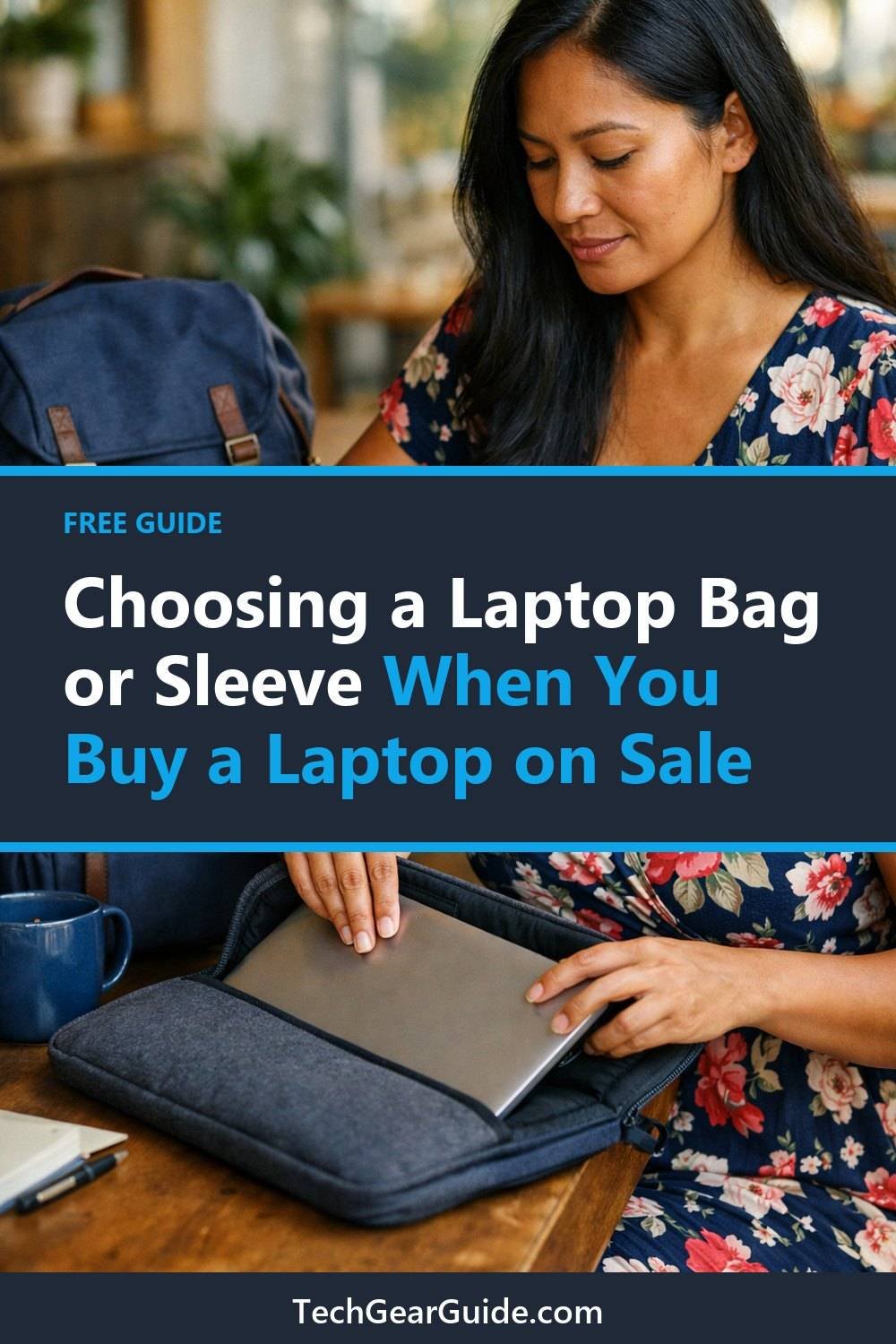
Check the zippers and seams
Zippers are the first thing to fail on a cheap bag. A cheap sleeve can split open at the bottom of a backpack while you're walking, and that is not a fun moment. Before you buy, or as soon as it arrives, give these a look:
- Does the zipper run smoothly around the corners without catching?
- Are the zipper pulls easy to grab?
- Do the seams look straight and tight, with no loose threads?
- Are the strap attachment points stitched with extra rows or reinforcement?
One more thing I watch for: some sleeves have zippers that rub against the laptop as you close them. A little fabric flap or a zipper that sits away from the opening helps avoid scratches on the lid. It's a small detail, but you'll notice it after a few weeks.
If a listing makes claims about water resistance, check exactly what the seller says. "Water-resistant" usually means it handles a light drizzle, not a dunk in a puddle. Read the seller's page carefully if this matters to you.
Read the return terms before you buy, even on laptops on sale
Even with careful measuring, fit can surprise you, whether you just chose to buy laptop gear online or picked up a bag on sale. That's why I always check the return policy before I click buy. A few questions worth answering:
- How many days do you have to return it?
- Does it need to be unused, or can you test it with your laptop?
- Who pays for return shipping?
- Is there a restocking fee?
When it arrives, try it right away. Slide your laptop in, zip it up, and carry it around the house for a few minutes. If it's too tight or too loose, you'll still be inside the return window. It's wise to keep the packaging for a week or so just in case.
A quick summary
Measure your laptop with any case on. Compare those numbers to the inside size the seller lists. Pick padding that covers the corners and edges, not just the flat sides. Choose a sleeve, shoulder bag or backpack based on how you really get around. Check zippers and seams, and know the return terms before you order. If you're comparing laptops too, the Laptop Buyer's Guide and Comparison Sheets below this post can help you keep the details straight.
Laptop sleeves and bags worth a look
Here are some well-known brands that make sleeves, bags and backpacks for laptops. Use them as a starting point, then compare against your own measurements.
Incase
Suits people who want a slim sleeve for a specific laptop model, especially Apple users. Check that the listed model and size match your laptop, and whether it fits with a shell on.
Tomtoc
A good fit for shoppers who care about corner protection in a sleeve. Look at the inside dimensions on the listing and compare them to your tape measure numbers.
Targus
Makes a wide range of laptop bags and backpacks, so it suits people who want choices across styles. Quality can vary between lines, so read the details for the exact product.
Timbuk2
Suits commuters and bike riders who like messenger bags. Think about how the weight will sit on one shoulder before you pick that style.
Thule
A solid option if you want a backpack or a sturdy case for travel. Check the laptop compartment size and whether it has its own padding.
Amazon Basics
Suits shoppers who want a simple, plain sleeve without paying for a big name. Read the listed inside dimensions carefully, since sizing is the main thing to get right.
Case Logic
Worth a look if you want a straightforward backpack or sleeve for daily carry. Check the padding at the corners and edges, not just the flat sides.
Please check current plans and prices on each brand's own site before you buy.
FAQ
Should I buy a sleeve one size bigger to be safe?
It's best not to. A loose sleeve lets the laptop slide around, which means more knocks against the edges. Go by your real measurements, and only size up if the listing's inside dimensions are clearly too tight.
Do I need a sleeve if my backpack already has a laptop pocket?
Not always. If the pocket is well padded and has a raised bottom, it may be enough. A thin sleeve can still be useful because it lets you pull the laptop out and carry it on its own.
Is a hard-shell case better than a padded sleeve?
They do different jobs. A snap-on shell guards against scratches during daily use, while a padded sleeve helps with bumps during travel. Many people use both, as long as the sleeve fits with the shell on.
How do I clean a laptop sleeve?
It depends on the material, so check the care label or the seller's page first. Many fabric sleeves can be spot-cleaned with a damp cloth and mild soap. Take the laptop out and let it dry fully before putting it back.
Ready for your next step? Join the email list to grab the free Gift Ideas for Him Checklist, then take a look at the guides below this post if you want help planning your gear or comparing laptops. And before you order any bag, go measure your laptop. It takes two minutes and saves a lot of hassle.
Printables and tools that can help
Laptop Buyer's Guide and Comparison Sheets
A printable guide and comparison sheets to write down what matters to you before you look at any seller...
See detailsTech Gear Planner and Checklist Bundle
A printable bundle with a 30-day goal page, weekly planner and setup checklists for your home office or study...
See details