Used Laptops for Sale: What to Know About Open-Box and Used Gear

If you are browsing used laptops for sale, the labels can be confusing. Open-box, refurbished and used mean different things, and those differences affect your warranty, your return window and what comes in the box. This guide covers what to check before you buy and what to test once your gear arrives.
Many people get into used laptops for sale when they spot an open-box laptop whose price tag makes them do a double take. It worked out fine. The second time, I got a pair of "like new" headphones with a scuffed band and no charging cable. That one taught me more.
Open-box and used gear, including used gaming laptops, can save you real money. But a lower price often comes with trade-offs, and most of them are hidden in the fine print. Here's what I check now, every single time, before I click buy.
Short on time? Our top picks: Best Buy Open-Box, Amazon Renewed, Apple Certified Refurbished and Dell Outlet. See all picks
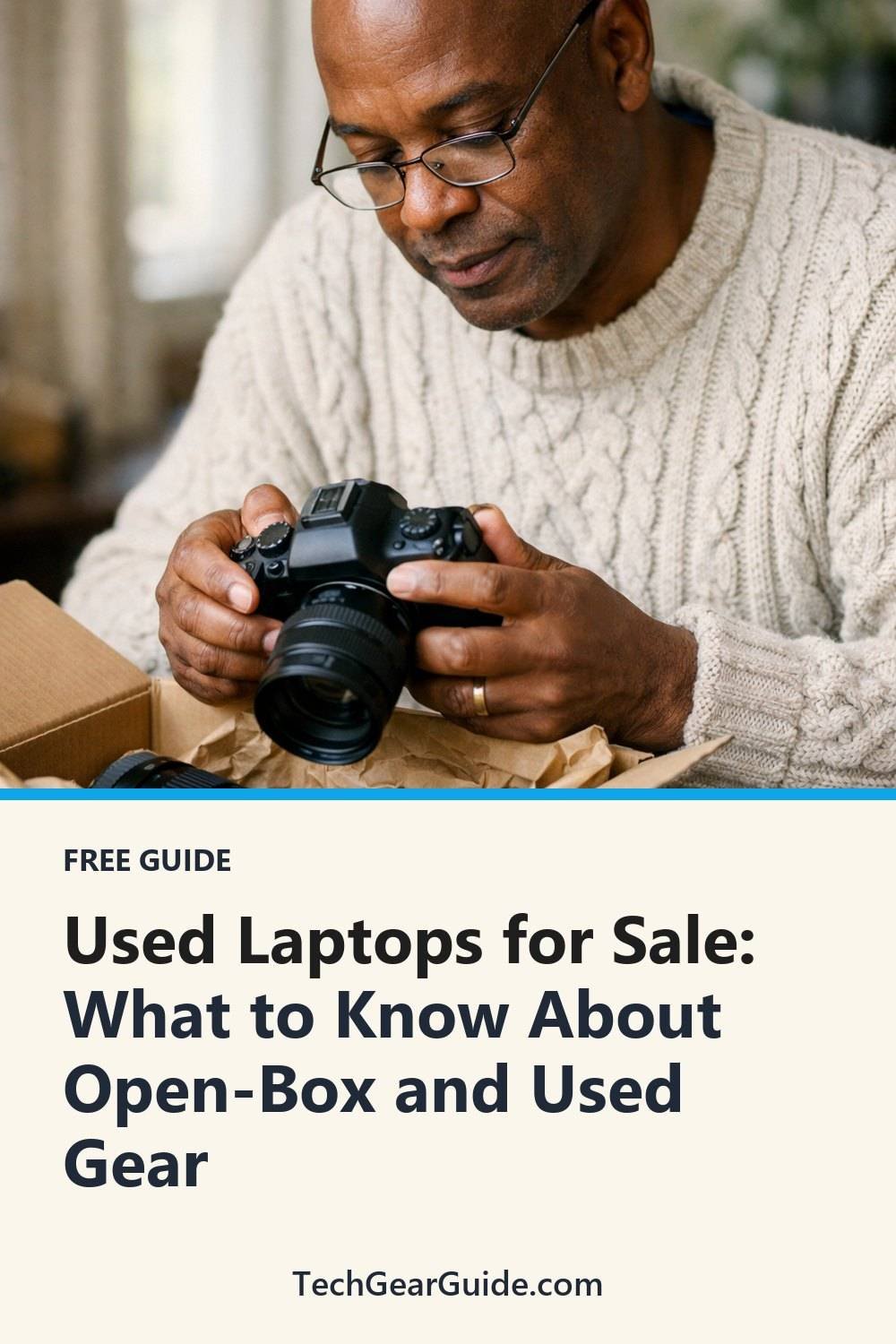
Open-Box, Refurbished and Used Aren't the Same Thing
These words get thrown around like they mean the same thing. They don't.
Open-box usually means someone bought the item, opened it, and sent it back. Sometimes it was never even turned on. Other times it was used for two weeks and returned with fingerprints all over the screen.
Refurbished generally means the item was checked, repaired if needed, and resold. Who did the work matters. A refurb done by the maker, such as Apple Certified Refurbished, is often a different deal from one done by a random third-party shop.
Used is the widest bucket. It could be a one-owner tablet that lived in a case, or a phone that's been dropped in a pool. You just don't know until you read closely and ask.
Every store defines these terms its own way, so treat the label as a starting point, not a promise.
Read the Condition Notes on Used Laptops for Sale Like a Detective
Most sellers grade items with words like "excellent," "good" or "fair." Those words are fuzzy. One store's "good" is another store's "fair."
Look for the actual description underneath. Does it mention scratches? Where are they? A tiny mark on the bottom of a laptop doesn't bother me. A scratch across the screen does.
For anything with a battery, I look for battery health info. Laptops, phones, earbuds and any smart watch for Android phone all wear down over time. If the listing doesn't say anything about the battery, I ask. If the seller can't tell me, I factor that into what I'm willing to pay.
Photos help too. Real photos of the actual item beat stock images every time. If all I see is the shiny product shot from the maker's website, I get a little suspicious.
Find Out What Warranty You Actually Get on Open Box Used Gear
This is the part people skip, and it's the part that bites hardest.
Some open-box items keep the full original warranty. Some get a shorter store warranty instead. Some used items come with nothing at all. The listing should say which, but sometimes you have to dig for it.
A few questions worth asking:
- Is the warranty from the maker or from the store?
- When does it start, from my purchase date or the original buyer's?
- Does it cover the battery, or just the main parts?
A warranty you can't find in writing isn't worth trusting. If it's only mentioned in a chat with a sales rep, I ask them to point me to the policy page. And for the exact terms, the seller's own page is the place to check, since policies change.
Extended protection plans are a whole other topic. Some people love them. You can skip them on cheaper items, though that's a judgment call, not a rule.
Know the Return Window Before You Need It
Return windows on open-box and used gear, from a waterproof smart watch to a laptop, are often shorter than on new stuff. Sometimes they're the same. Sometimes there's no return at all, and the item is "final sale."
Read the return policy before you buy, not after the box shows up with a problem. It's easy to do it the wrong way around. It's not fun.
Also watch for restocking fees. Some stores charge a percentage to take an item back, which can eat a chunk of the savings you were excited about. And check who pays for return shipping. On a big monitor, that can add up fast.
One small habit that helps: I put the last return day in my phone calendar the day the package arrives. That way I don't wake up three weeks later realizing I missed it.
Ask What's Missing From the Box
Open-box items are famous for missing bits. The charger. The cable. The little adapter you didn't know you needed until you needed it.
Before buying, ask directly what's included. If the listing says "accessories may not be original," that usually means you might get a generic charger. That's fine for some things. For a laptop, I want a charger that's rated for that model, so I check the specs or ask.
Here's what I make sure to ask about, whether it's a laptop or a smart watch for seniors:
- Power adapter and cable
- Remote, stylus, or ear tips
- Any software license or activation code
- Original box, if I might resell it later
Honestly, I don't care much about the manual. Almost everything is online now. But a missing charger can turn a deal into a nuisance, so price that in.
Side note: if you're shopping for someone else, our free Gift Ideas for Him Checklist (10 ideas sorted by interest) is yours when you join the email list, and it can help you pick before you start hunting for deals.
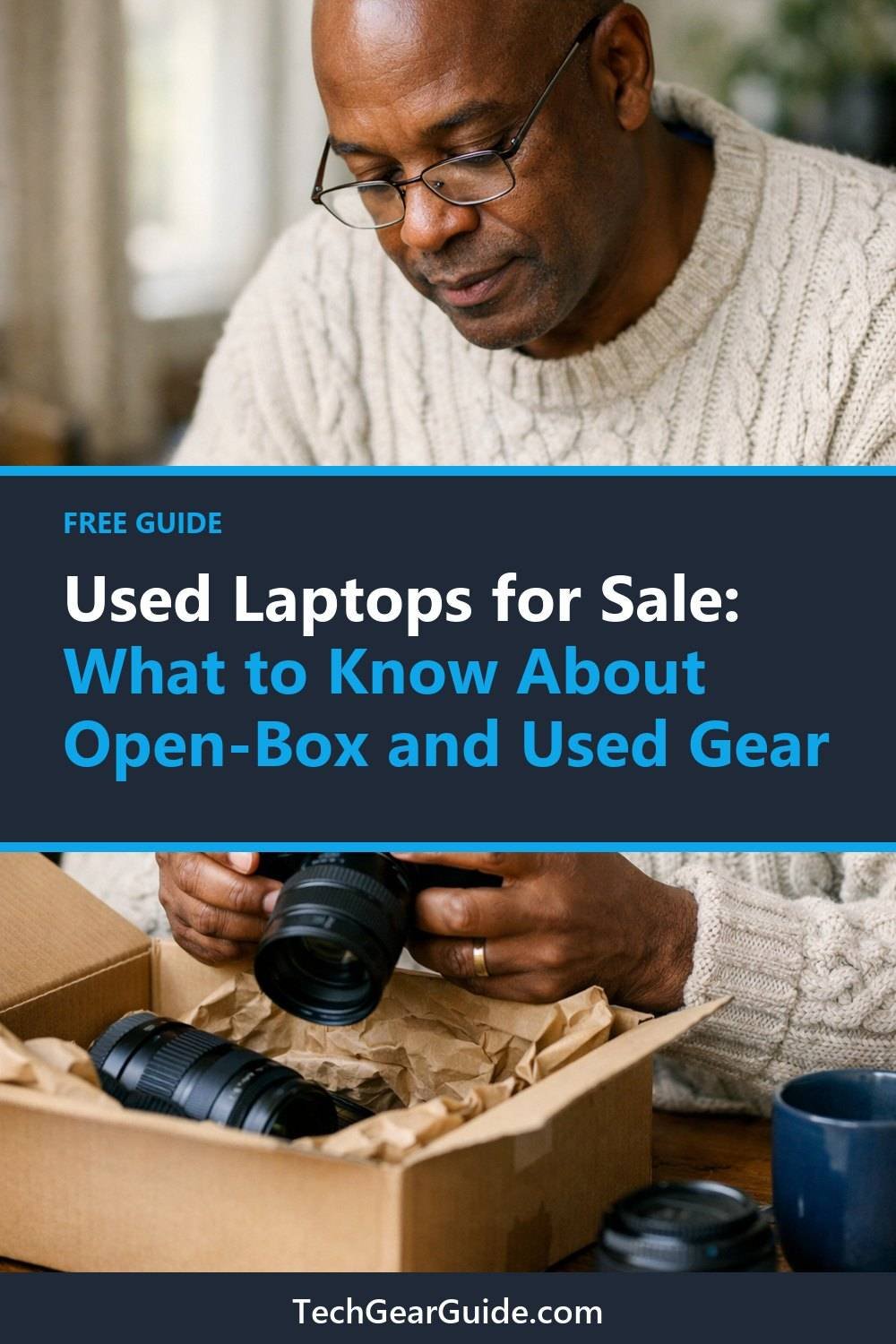
Test Used Laptops and Other Gear the Day They Arrive
Don't let the box sit in the hallway for a week. Open it right away and put it through its paces while you're still well inside the return window.
For a laptop, here's my rough routine:
- Charge it fully, then check how fast the battery drops while you use it.
- Try every port with something you own: USB, headphone jack, card reader.
- Look at the screen on a white background and a black background to spot dead pixels or bright spots.
- Type on every key. Yes, every one.
- Test the webcam, mic, speakers and Wi-Fi.
- Make sure it's been reset and isn't still linked to someone else's account.
That last one is a big deal with phones and tablets. If a device is still locked to the previous owner, you may not be able to use it at all. Check it early.
It also helps to take a few photos of the item when it arrives. If something's wrong, those photos make the return chat much easier.
Keep the Receipt and Every Bit of Paperwork
This sounds boring. It is boring. Do it anyway.
Save the order email, the receipt, the condition notes from the listing, and a screenshot of the warranty and return terms as they were on the day you bought. Listings disappear. Policies get updated. Your screenshot doesn't change.
Consider keeping a folder in your email just for gear purchases. If an open-box monitor starts flickering months later, a dedicated folder means you can find everything quickly. The warranty claim went smoothly because I had proof of the date and the condition it was sold in.
Is the Discount on Used Gear Actually Worth It?
Not every open-box deal or smart watch sale is a deal. Sometimes the new version goes on sale and costs about the same as the open-box one, and a price history tool like CamelCamelCamel can help you spot that, with a full warranty and a longer return window. In that case, I'd buy new.
That's why I like tracking prices for a little while before I buy. If you're shopping for a laptop, the Price-Watch Tracker for Laptops below this post is a simple way to keep an eye on what things actually cost over time. And if you're still choosing between models, the Laptop Buyer's Guide and Comparison Sheets, also below, can help you narrow it down first.
A good rule of thumb: the savings need to feel worth the extra risk. If I'm only saving a small amount and losing warranty coverage, I pass.
Where to Shop for Open-Box and Used Gear
These are well-known places and tools that sell or help you compare open-box, refurbished and used items. Each one has its own rules, so read the details before you buy.
Best Buy Open-Box
Suits shoppers who like a big retailer with a familiar return process. Check the condition label on each item and read the return terms for open-box products, since they can differ from new ones.
Amazon Renewed
Suits people who already shop on Amazon and want a wide range of refurbished items. Check who the actual seller is and what warranty or guarantee applies to that specific listing.
Apple Certified Refurbished
Suits anyone looking at used Apple laptops, phones, tablets or watches who wants the maker to handle the refurbishing. Check the warranty terms and what accessories come in the box.
Dell Outlet
Suits buyers who want a laptop or monitor sold through the maker's own outlet. Stock changes often, so check the exact configuration, condition notes and warranty before buying.
eBay Refurbished
Suits bargain hunters who are happy to compare many sellers. Check the seller's feedback, the return policy and whether the listing shows photos of the actual item.
Back Market
Suits people who want a marketplace focused on refurbished tech. Check the grading scale, since each seller describes condition in their own way, and confirm the warranty and battery details.
CamelCamelCamel
Suits shoppers who want to see Amazon price history before deciding between new and open-box. Check that the price you see is for the same model and seller type you plan to buy from.
Check current plans and prices on each brand's own site.
FAQ
Is open-box gear the same as used?
Not always. Open-box often means it was returned, sometimes barely touched, while used can mean anything from lightly used to heavily worn. Always read the store's own definition and the condition notes.
Should I buy used gear with no warranty?
It depends on the item and the price. For cheap accessories, I sometimes take the chance. For expensive things like laptops, I'd want at least some coverage or a solid return window.
What should I test first when my order arrives?
Start with power and battery, then the screen, ports and keyboard. For phones and tablets, check that it isn't locked to someone else's account. Do it all right away so you're well within the return period.
Are refurbished items better than open-box?
Neither is automatically better. A refurb from the maker might be checked more carefully, while an open-box item might be nearly brand new. Compare the warranty, return terms and condition notes for each one.
The Short Version
Open-box and used gear can be a smart buy if you go in with your eyes open. Read the condition notes closely, find out the warranty in writing, know your return window, ask what's in the box, test everything on day one, and save your paperwork. And be willing to walk away if the savings don't cover the risk.
If this helped, grab the free Gift Ideas for Him Checklist by joining the email list. Then take a look at the Laptop Buyer's Guide and Comparison Sheets and the Price-Watch Tracker for Laptops below this post. They're there if you want a bit more help shopping smart.
Printables and tools that can help
Laptop Buyer's Guide and Comparison Sheets
A printable guide and comparison sheets to write down what matters to you before you look at any seller...
See detailsPrice-Watch Tracker for Laptops
A browser notebook where you enter the prices you see and it tells you when you reach your own...
See details