Refurbished Laptops: Questions to Ask
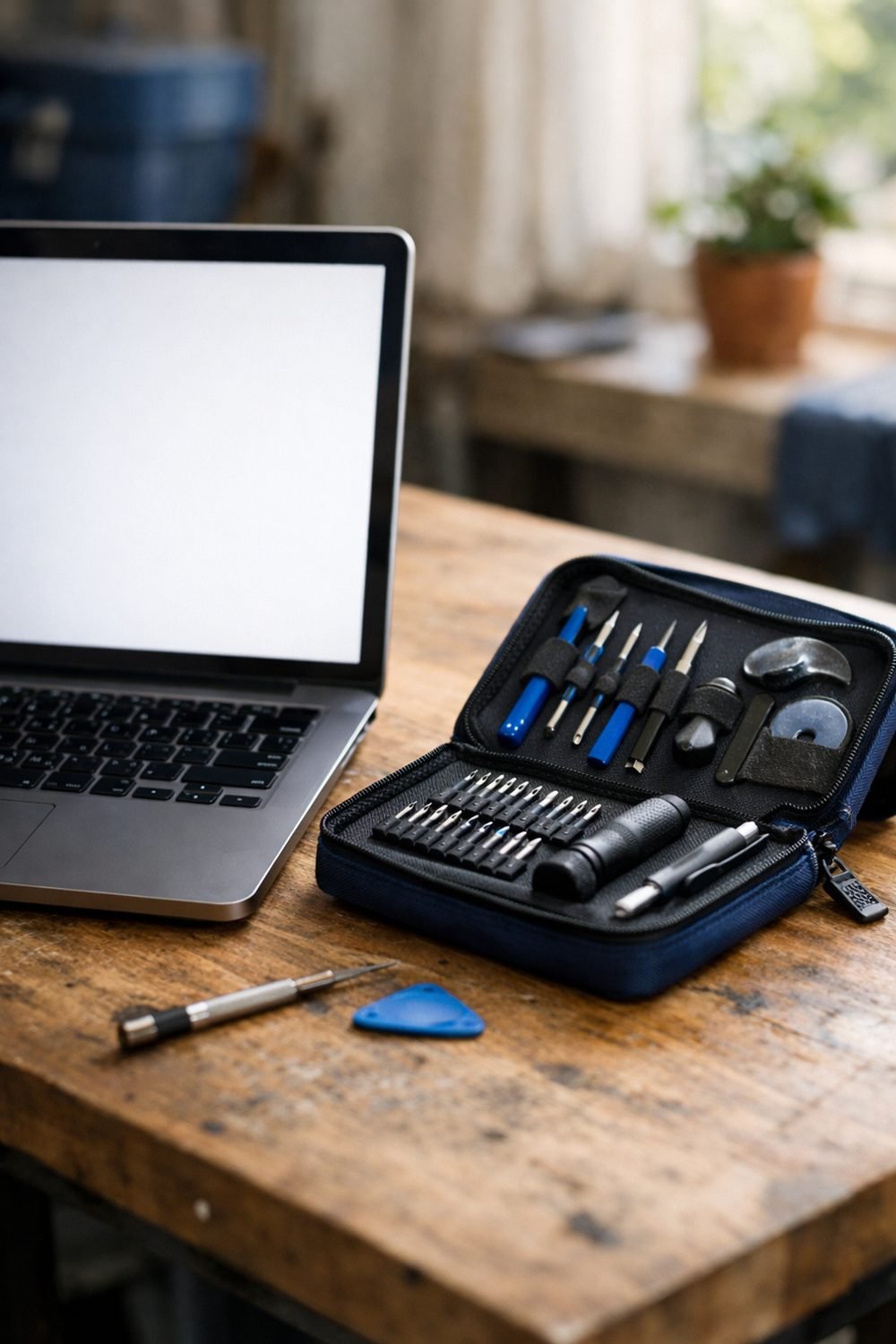
Two were great. One showed up with a charger that whined like a mosquito and a battery that gave up after about an hour. The difference wasn't luck. It was whether I asked the right questions before I paid.
Refurbished can be a smart way to get a solid machine for less. But "refurbished" means different things to different sellers. Here are the refurbished laptop questions I ask now, every single time.
Short on time? Our top picks: Apple Certified Refurbished, Dell Outlet, Lenovo Outlet and Amazon Renewed. See all picks
1. Who actually refurbished it?
This is the first thing I want to know. Some laptops are refurbished by the company that made them, such as through Apple Certified Refurbished. Others are fixed up by a third-party seller, a big retailer like Best Buy, or someone working out of a garage. None of those are automatically bad, but they're not the same.
A maker-refurbished laptop usually goes through that brand's own testing and often gets their own parts. A third-party refurbisher might do a careful job too. Or they might wipe the screen, reset the software, and call it done. You won't know unless you check.
Tip: Look for the words "manufacturer refurbished" or "seller refurbished" on the listing. If it doesn't say, message the seller and ask. A vague answer tells you a lot.
2. What does the warranty on a refurbished laptop really cover?
A warranty on a refurbished laptop sounds reassuring until you read it. Some listings say "warranty included" in big letters, and then the fine print covers only the motherboard for 30 days. That's not much help if the keyboard dies in week five.
Find out how long it lasts, who handles it (the seller, the maker, or some outside company), and what parts it includes. Batteries are often left out, which is annoying, since the battery is one of the parts most likely to be worn.
Also ask what happens if something breaks. Do you ship it back at your own cost? Do they repair it, replace it, or refund you? Those details matter more than the length.
Tip: Take a screenshot of the warranty terms on the day you buy. Listings change, and you'll want proof of what was promised.
3. What does "condition" mean to this seller of cheap laptops?
Grades like "excellent," "good," and "fair" aren't standard. One seller's "good" is another seller's "fair." I once ordered a "very good" laptop that had a dent in the lid big enough to hold a coin. Technically it worked fine. Even then, it may not be a great deal.
Most sellers have a page that explains their grading. Read it. It should tell you how many scratches are allowed, whether the screen might have marks, and if the keys can be shiny from use. If there are real photos of the exact unit, even better than stock images.
Tip: Honestly, I'd skip paying extra for the top cosmetic grade unless the laptop is a gift. A few light scratches on the bottom don't change how it works, and the savings can be real.
4. Are the specs exactly what's listed?
This one catches people. A listing might name a model that came in several versions, with different processors, memory, or storage. The refurbished unit you get could be the lower version, and the listing might be a little fuzzy about it.
Check the processor, the amount of RAM, the storage size, and whether the storage is an SSD. Also ask if any parts were swapped during the refurb. A replaced drive isn't a problem, but you want to know what's in there.
Tip: When the laptop arrives, open the system settings and confirm the specs match before you get attached to it. Do this in the first day or two, while the return window is wide open.
If you're comparing a few models side by side, the Laptop Buyer's Guide and Comparison Sheets below this post can help you keep the numbers straight so you're not juggling ten browser tabs.
5. What comes in the box?
Don't assume anything. Some affordable laptops come with the original charger. Some come with a generic one. And some come with nothing but the laptop in a plain box.
The charger is the big one. A cheap, off-brand charger might work, or it might run hot and make odd noises like mine did. Ask if it's an original charger or a compatible one, and what wattage it is. If you need a second one later, that's extra money you should count now.
Tip: If there's no charger, look up the cost of an official one before you buy. Sometimes a slightly pricier listing with a real charger is the better deal.
Side note: if you're buying this laptop for someone else, my free Gift Ideas for Him Checklist (10 ideas sorted by interest) is yours when you join the email list, and it's handy for finding a small add-on to go with it.
6. How long is the return window, and what are the rules?
"Read it" sounds boring. It's also the advice I ignored once and regretted. The return window is your safety net, so you want to know exactly how wide it is.
Look at how many days you have, whether it starts on the day you order or the day it arrives, and who pays return shipping. Some sellers charge a restocking fee. Some only accept returns if something is broken, not if you just don't like it.
Tip: Put the last return day in your phone calendar the moment the laptop shows up. Then use it hard during that window: run your normal apps, charge it fully, try every port, test the webcam and speakers.
7. What shape is the battery in?
Batteries wear down with use. That's normal. But a refurbished laptop could have a battery that's nearly new or one that's tired, and the listing won't always say which.
Some sellers give a battery health number or promise a minimum level. Others just say "battery tested," which could mean almost anything. Ask if the battery was replaced, and if not, what condition it was in when they checked it. Take what they say as stated, and then check for yourself.
Tip: Many laptops can show a battery health report through their built-in settings or tools. Search how to do it for your model, run it in the first week, and compare it to what the seller told you.
8. Is the software clean and properly licensed?
A refurbished laptop should come wiped, with a fresh copy of the operating system. You don't want leftover files from the last owner, and you definitely don't want a laptop still linked to someone else's account. That can lock you out of updates or even the whole machine.
Ask if the operating system is fully installed and activated. Ask if any old accounts or management tools were removed. Laptops that came from a company are sometimes still tied to that company's system, which is a headache you can avoid.
Tip: On first startup, if it asks for a work login or a stranger's password, stop and contact the seller right away. Don't try to work around it.
Where to look for refurbished laptops
Here are some well-known places and brands to start with when you want a refurbished laptop. Each one suits a slightly different kind of shopper.
Apple Certified Refurbished
Suits people who want a Mac and prefer buying straight from the maker. Check what the warranty and return terms say for the exact model you pick.
Dell Outlet
A good fit for shoppers who want a Windows laptop for home, school or work from a major brand. Check the listed specs closely, since similar models can come with different processors, memory and storage.
Lenovo Outlet
Worth a look if you like ThinkPad or IdeaPad styles and want to compare several configurations. Check the condition notes and what is included in the box.
Amazon Renewed
Handy if you like a big marketplace with lots of sellers in one place. Check who the actual seller is and read their return and warranty terms before you order.
Back Market
Suits shoppers who want to compare grades and sellers on a marketplace built around refurbished tech. Check how each seller describes its grading and what the warranty covers.
Best Buy
A fit for people who like buying from a large retailer with a physical store nearby. Check whether the specific laptop is sold as refurbished or open box, since the two are not the same.
Newegg
Works for comparison shoppers who like filtering by processor, memory and storage. Check whether the listing comes from Newegg or a third-party seller.
Check current plans and prices on each brand's own site before you decide.
FAQ
Is refurbished the same as used?
Not quite. A used laptop is usually sold as-is, while a refurbished laptop should have been tested, cleaned, and fixed where needed. How much work actually went in depends on the seller, which is why the questions above matter.
Should I pay for an extended warranty?
It depends on the price, what it covers, and how much you'd lose if the laptop failed. Read the terms closely and compare them to the included warranty. If you're unsure, it's worth asking someone you trust who knows tech before you add it.
When's the best time to buy?
Prices on cheap laptops for sale move around, and I've seen the same refurbished model change price within a week. Watching a few listings over time helps. The Price-Watch Tracker for Laptops below this post is one simple way to keep an eye on that without checking every day.
What if the seller won't answer my questions?
Then I'd move on. A good seller expects these questions and answers them clearly. Silence or a dodgy reply is a reason to shop somewhere else.
Before you hit buy
You don't need to be a tech expert to buy refurbished well. You just need to ask, read, and test while you still can return it, even when you're hunting for the best affordable laptops. If you'd like that free Gift Ideas for Him Checklist, grab it by joining the email list. Then take a look at the Laptop Buyer's Guide and Comparison Sheets and the Price-Watch Tracker below this post if they fit how you like to shop.
Printables and tools that can help
Laptop Buyer's Guide and Comparison Sheets
A printable guide and comparison sheets to write down what matters to you before you look at any seller...
See detailsPrice-Watch Tracker for Laptops
A browser notebook where you enter the prices you see and it tells you when you reach your own...
See details