Smart Home Basics: Start With One Device

When I set up my first smart device, I almost bought five things at once. A hub, some bulbs, a camera, a doorbell, and a speaker. That restraint tends to pay off. Starting with one smart plug on a lamp in the living room can teach you more than any review will.
If you're curious about smart home electronics but feel a bit lost, this post is for you. The idea is simple: start with one device, learn how it works in your home, and only add more when you actually want to. No big plan needed. No pile of boxes in the hallway.
Short on time? Our top picks: Kasa Smart Plug, Amazon Smart Plug, Wemo Smart Plug and Philips Hue. See all picks
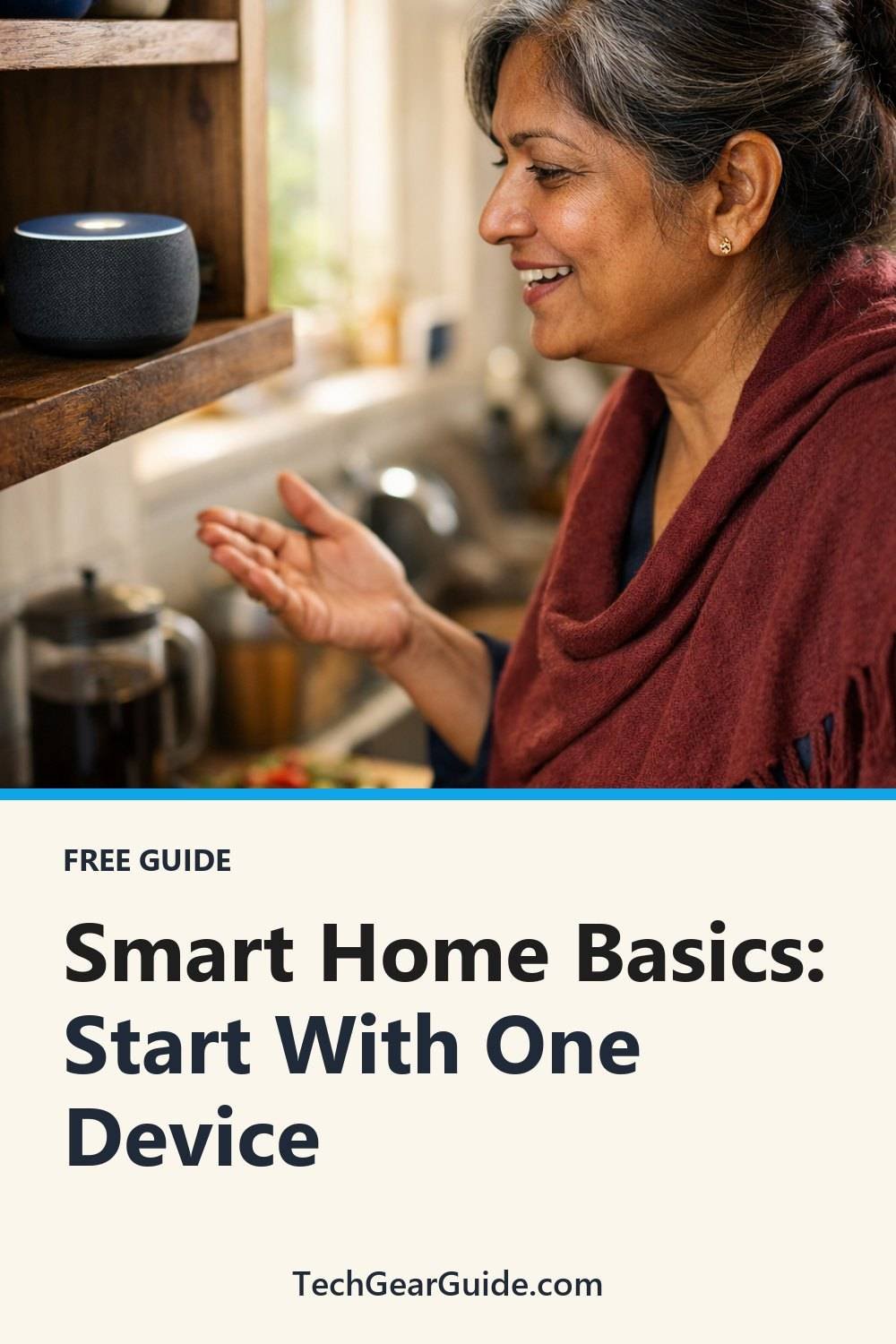
Smart Home Basics: Pick One Need, Not One Gadget
Most people start by looking at products. It works better to flip that around. Start by looking at your day and asking what small thing bugs you.
Maybe you walk into a dark room every evening and fumble for a lamp switch. Maybe you always wonder if you left the hair straightener or a heater on. Maybe you just want the porch light on when you get home late. Each of those is a real need, and each one points to a different first device.
For most beginners, it comes down to two easy options:
- A smart plug, such as the Kasa Smart Plug. You plug it into the wall, plug a lamp or fan into it, and now you can turn that thing on and off from your phone or on a schedule. It works with things you already own.
- A smart bulb. It screws into a normal lamp or fixture. You can dim it, set timers, and sometimes change the color.
Honestly, I think the plug is the better first pick for most homes. It's flexible. If you get bored of using it on a lamp, you can move it to a coffee maker or a holiday light string. A bulb only does one job. Color-changing bulbs are fun for about a week, and then most people I know just leave them on warm white. That feature is a bit overrated.
Check Your Wifi Router for Home Before You Buy
This is the step people skip, and it's the one that causes the most frustration. Many smart plugs and bulbs connect straight to the best home wifi you have, so signal strength matters. If the signal is weak where the device lives, it will drop offline, respond slowly, or refuse to set up at all.
Here's a quick test I do. Stand where you plan to put the device, open your phone, and try loading a video. If it buffers or the Wi-Fi bars drop to one, that spot might be trouble.
A few other things to check:
- Some smart devices only work on the 2.4 GHz Wi-Fi band, not 5 GHz. Your router may show both as separate networks, or combine them into one. Check the product page to see what it needs.
- Thick walls, basements, and garages often have weak spots.
- Know your Wi-Fi password before you start. You'd be surprised how often that's the thing that stops a setup.
If your signal is spotty, it may be worth sorting out your home wifi first. We have a Local Gadget Setup and Wi-Fi Service Kit below this post that walks through that kind of home check, if you'd like some help.
Make Sure It Works With What You Already Have
Compatibility sounds technical, but it's really just two questions. Does this device work with my phone? And does it work with any voice assistant or app I already use?
Start with your phone, whether it's an iPhone or a One Plus phone. Most devices need a free app, and that app has to support your phone's system and version. The product page or the app store listing usually says which versions are supported. If your phone is a few years old, take a second to check.
Next, think about whether you want voice control. If you already have a smart speaker in the house, look for a device that clearly says it works with that assistant. If you don't, that's fine too. A plug that works from a phone app is still really useful on its own.
One more tip. Try to stick with one app if you can, such as the Google Home app for managing devices in one place. Some people end up with four different apps for four different light brands and can never remember which one runs the bedroom. Don't be my cousin.
By the way, if you're shopping for someone else's first gadget, our free Gift Ideas for Him Checklist, with 10 ideas sorted by interest, is yours when you join the email list.
Read the Privacy Notes (Yes, Really)
It can sound too simple. Nobody wants to read the fine print on a smart plug. But anything that connects to the internet and lives in your home is worth a few minutes of attention.
You don't need to read every word. It helps to look for answers to a few plain questions:
- Do I have to create an account to use it?
- What information does the app collect, like location or usage times?
- Is any of that shared with other companies?
- Can I delete my account and data later?
- Does the company say how long it will send security updates?
A simple plug collects a lot less than a camera or a doorbell, which is another reason I like it as a first device. Save the cameras and any smart monitor for later, once you're comfortable with how these apps work and what you're agreeing to.
If something in the privacy policy feels unclear, contact the seller or skip that product. There are plenty of options out there.
Set It Up Slowly and Follow the Steps
When the box arrives, resist the urge to just plug it in and start tapping around. Give yourself twenty quiet minutes, not five rushed ones before work.
The usual setup looks something like this, though your device's manual is the one to trust:
- Download the app the manual tells you to use.
- Create an account if it asks for one.
- Plug in the device or screw in the bulb near your router for the first setup, if possible.
- Follow the in-app steps to connect it to your Wi-Fi.
- Give it a clear name, like "Living room lamp," not "Plug 1."
- Test it a few times from the app.
- Move it to its real spot and test it again.
That naming step matters more than it seems. Once you have a few devices, vague names get confusing fast, and voice assistants handle simple names much better.
If setup fails, don't panic. Most problems come down to the wrong Wi-Fi band, a mistyped password, or the device being too far from the router. The manual usually explains how to reset it and try again.
Live With It for a Few Weeks
This is the part I enjoy most. Once your device works, just use it. Set a schedule for the lamp to turn on at sunset. Turn it off from bed. Notice what you actually use and what you forget about.
After a couple of weeks, you'll know things no review can tell you. Maybe you love the schedules but never use voice control. Maybe the app is a little slow in the mornings. Maybe you realize you really want the same thing in the bedroom.
That's real information, and it's free. It makes your next purchase a lot smarter.
Add More Later, One at a Time
When you're ready for a second device, use the same steps again. Pick one need, check Wi-Fi in that spot, check it works with your phone and app, skim the privacy notes, and set it up slowly.
Adding one device at a time also makes troubleshooting easy. If something stops working, you know what changed. When people add ten things in a weekend and one acts up, it's hard to tell where the problem is.
Some people eventually want a hub, a smart lock, or a whole-home system. That's fine, but you don't need one to start. Plenty of homes run happily on a few plugs and bulbs for years. If you're also setting up a desk or study space, our Tech Gear Starter Guide for Home Office and Study below this post covers that side of things.
Our top picks for a first smart device
Here are some well-known options that fit the start-with-one-device idea. Pick the one that matches your single need, not the whole list.
Kasa Smart Plug
A good fit if you want a simple plug for a lamp or fan, controlled from a phone app. Check which Wi-Fi band it needs and whether it works with the voice assistant you already use.
Amazon Smart Plug
Suits people who already have an Alexa speaker or plan to add one. Check that your phone can run the Alexa app and that the plug's limits match what you want to plug in.
Wemo Smart Plug
Worth a look if you want a plug that sits in the wall without blocking the second outlet. Check the product page for supported assistants and how long the maker says it will support the app.
Philips Hue
A well-known smart bulb brand for people who want dimming and warm white light in a regular lamp. Check whether the bulb you choose needs a separate hub or can connect without one.
Wyze Bulb
Suits beginners who want to try a smart bulb in a single lamp. Check the Wi-Fi band it needs and read the privacy notes for the Wyze app before creating an account.
TP-Link Tapo
A range of plugs and bulbs that share one app, which helps if you want to avoid juggling several apps later. Check that the exact model works with your phone and your voice assistant.
Google Home app
Helpful if you want one place to manage devices from different brands. Check that your device lists support for Google Home and that your phone's system version is supported.
Check current plans and prices on each brand's own site before you buy.
FAQ
Do I need a smart speaker to start a smart home?
No. Most smart plugs and bulbs work fine from a phone app alone. A speaker adds voice control, but it's optional, and you can add one later if you find you want it.
What's the easiest first smart device?
For most people, a smart plug. It works with lamps and small appliances you already own, and you can move it around the house. Check the product page to make sure it suits what you plan to plug in.
Why won't my device connect to Wi-Fi?
Common reasons are a 5 GHz network when the device needs 2.4 GHz, a typo in the password, or a weak signal. Try setting it up close to the router, and check the manual for reset steps.
Are smart devices safe to use?
That depends on the device and how it's made, so read the seller's safety and privacy information. For anything electrical, follow the manual's limits on what you plug in, and ask a qualified electrician if you're unsure.
Summary
Starting a smart home doesn't have to be a big project. Pick one small need, check your Wi-Fi and phone, glance at the privacy notes, and set up a single device with care. Then live with it before buying anything else. One working device beats a drawer full of half-setup gadgets every time.
If you'd like a next step, grab the free Gift Ideas for Him Checklist by joining the email list. Then take a look at the Local Gadget Setup and Wi-Fi Service Kit and the Tech Gear Starter Guide below this post, and see if either one fits where you are right now.
Printables and tools that can help
Local Gadget Setup and Wi-Fi Service Kit
A kit with offer page copy, FAQ and scope sheet for a local gadget setup and Wi-Fi installation...
See detailsTech Gear Starter Guide for Home Office and Study
A plain-English starter guide to choosing and setting up gear for a home office or study space. General...
See details